
Care first week: knowledge and reply assistant
In Morasel Care, the reply assistant answers customers on WhatsApp only from the knowledge you write, and hands the chat to your team the moment it can't. In your first week, fill in that knowledge, switch the assistant on and try it. Morasel turns the assistant on workspace by workspace; until yours is on, your settings are saved and every message reaches your team as usual.
L’application Morasel et ses modèles de messages sont en anglais et en arabe. Ce site est aussi disponible en français.
Cet article n’est disponible qu’en anglais — lisez-le en anglais
Ouvrez cette page dans l’app https://app.morasel.ai/care/knowledge
Étapes
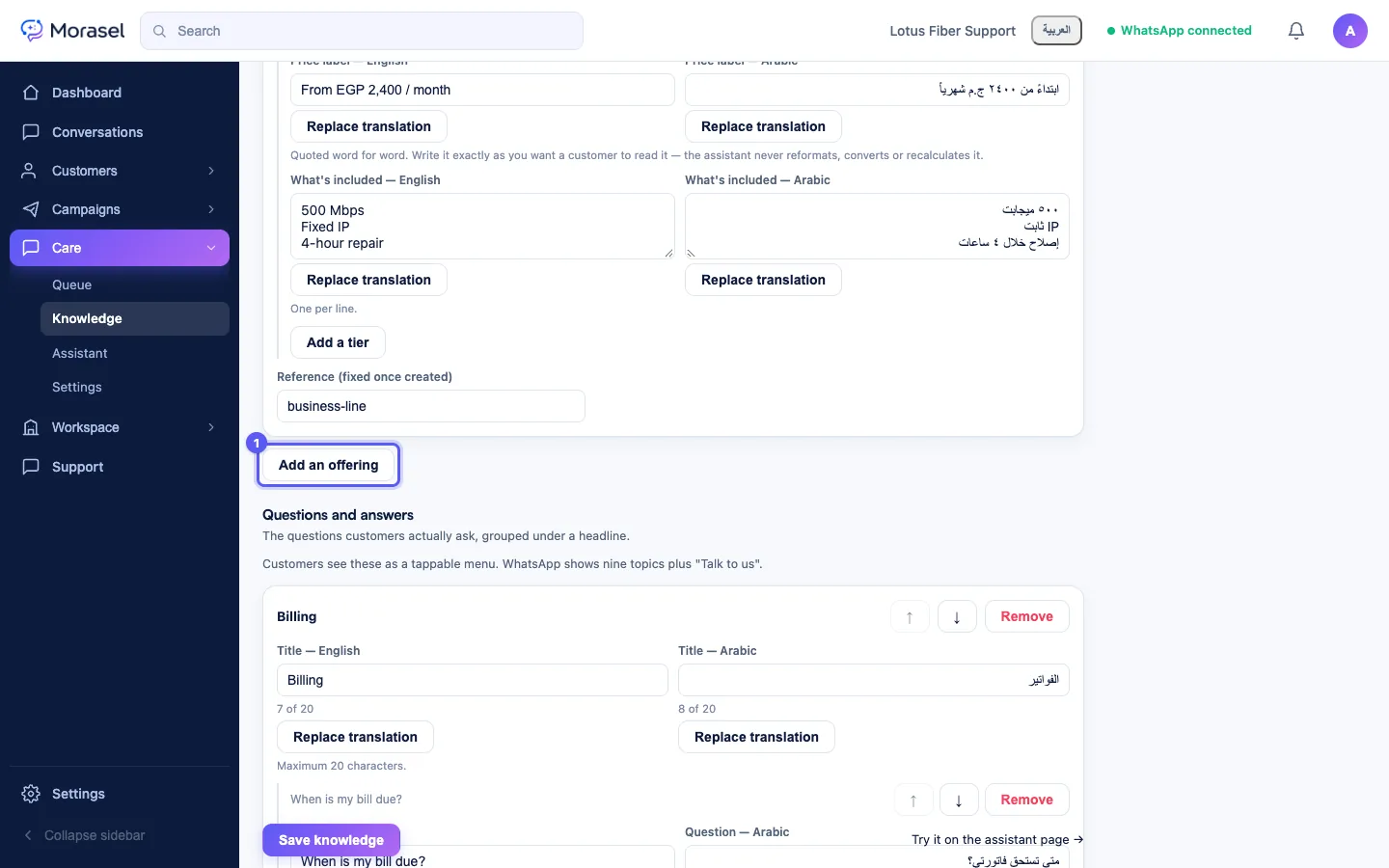
Open Care → Knowledge and, under What you offer, click Add an offering for each product or package, with its tiers and prices.
Ce que vous devez voir : Each offering shows fields for English and Arabic. Write both: the assistant replies in the customer's own language and skips a row that has only one.
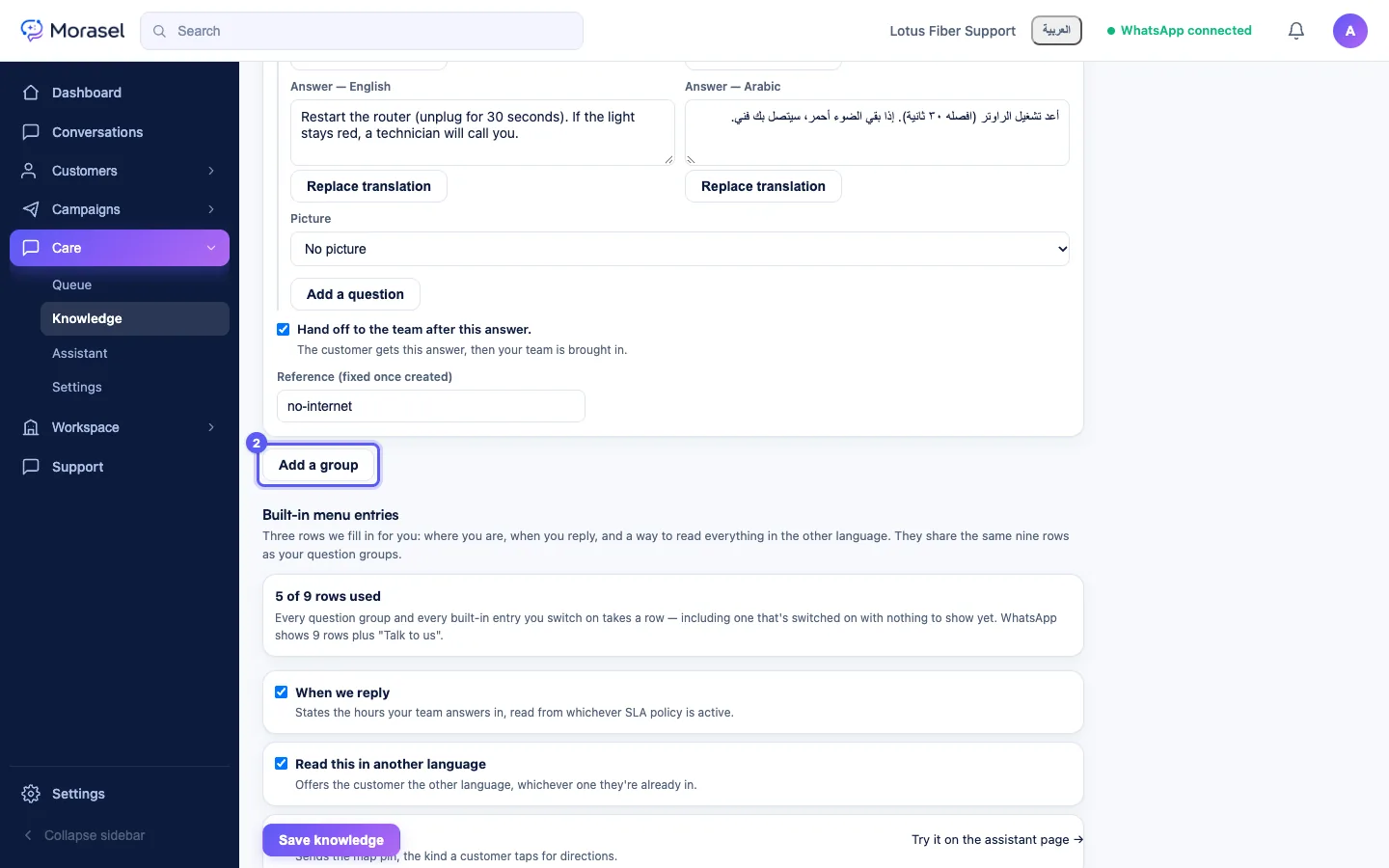
Under Questions and answers, click Add a group, give it a headline and add the questions customers ask, with your answers.
Ce que vous devez voir : The group and its questions appear; they become the menu customers tap on WhatsApp.
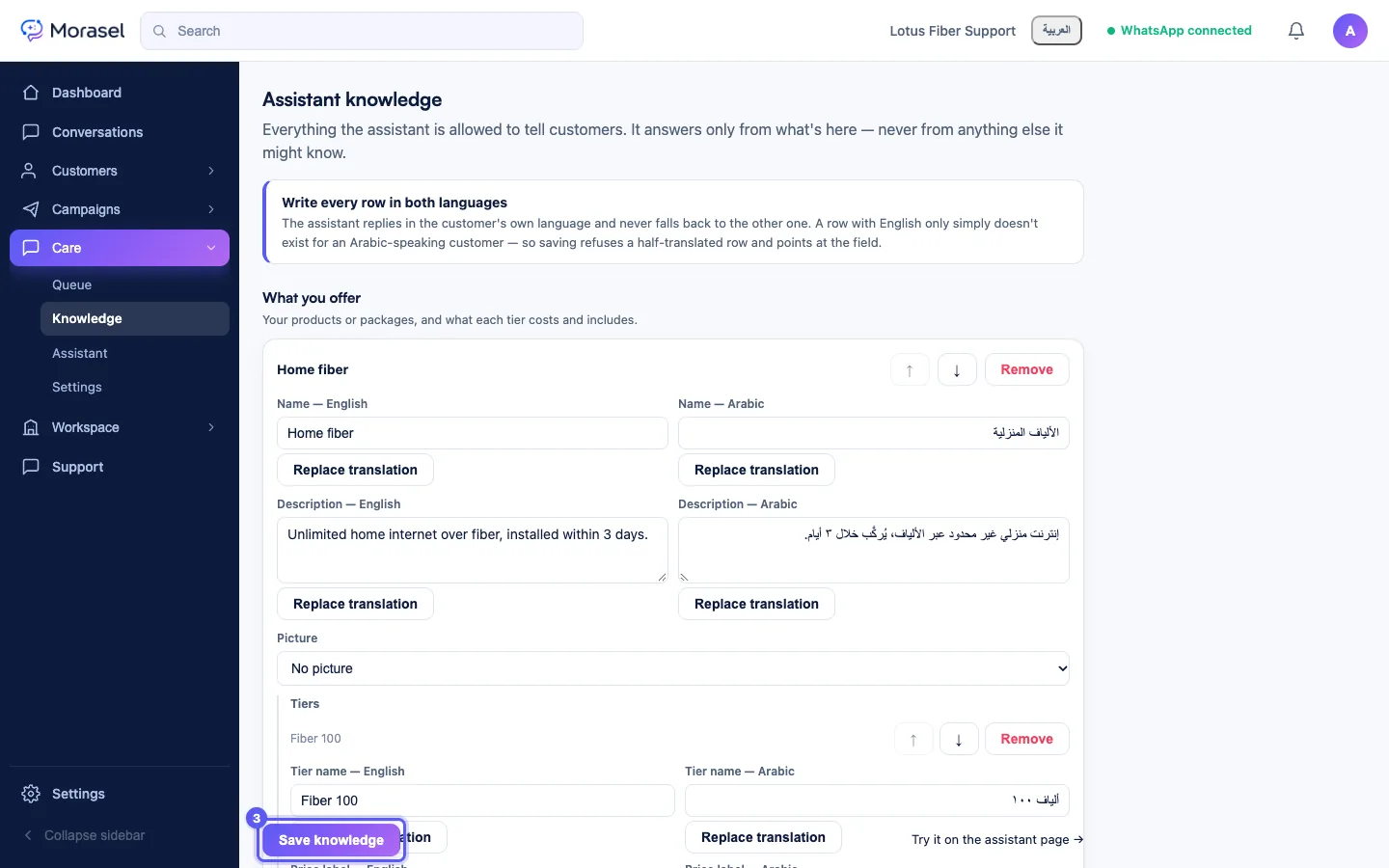
Click Save knowledge.
Ce que vous devez voir : Your knowledge is saved. Saving refuses a row that is missing one of the two languages and says which.
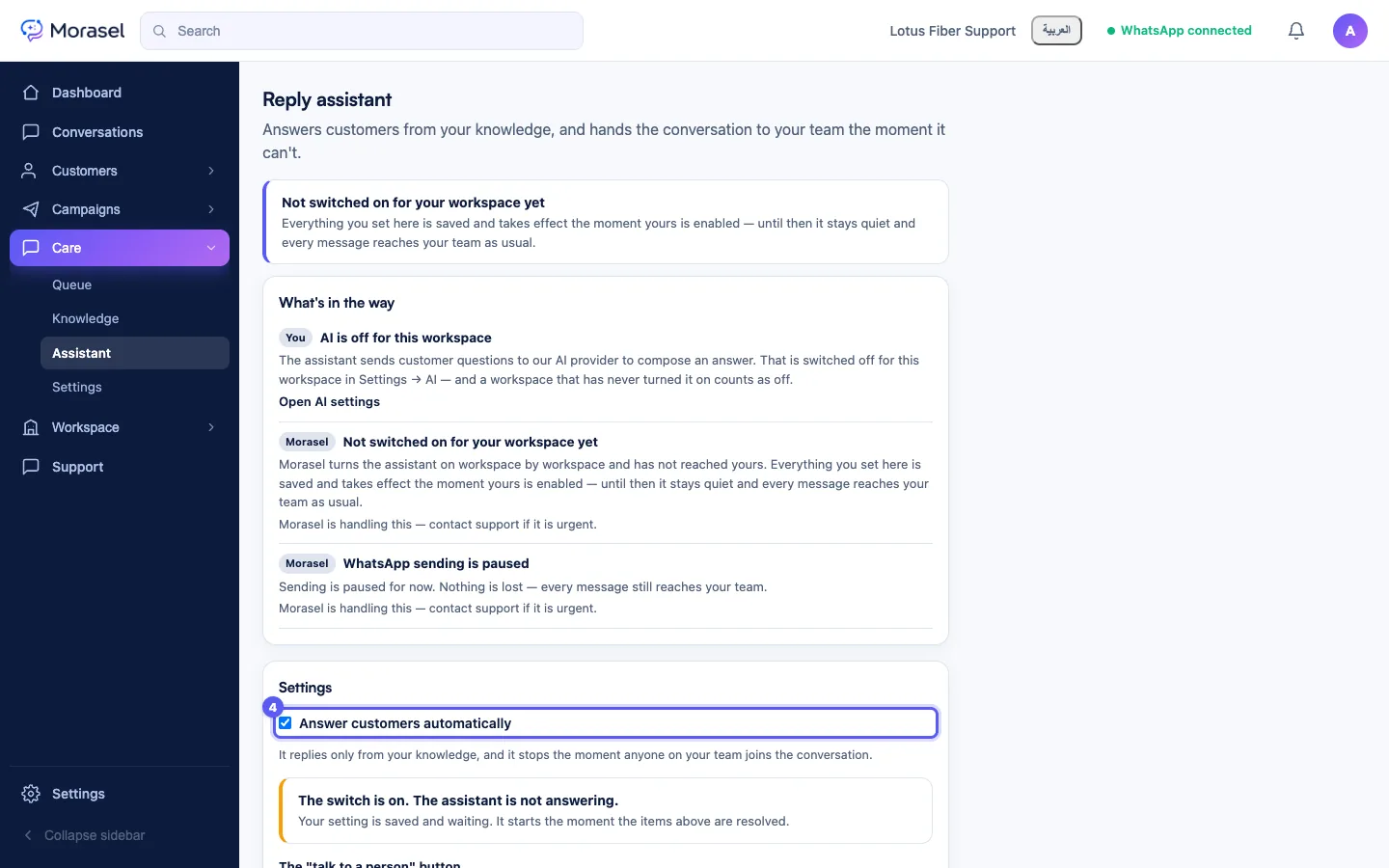
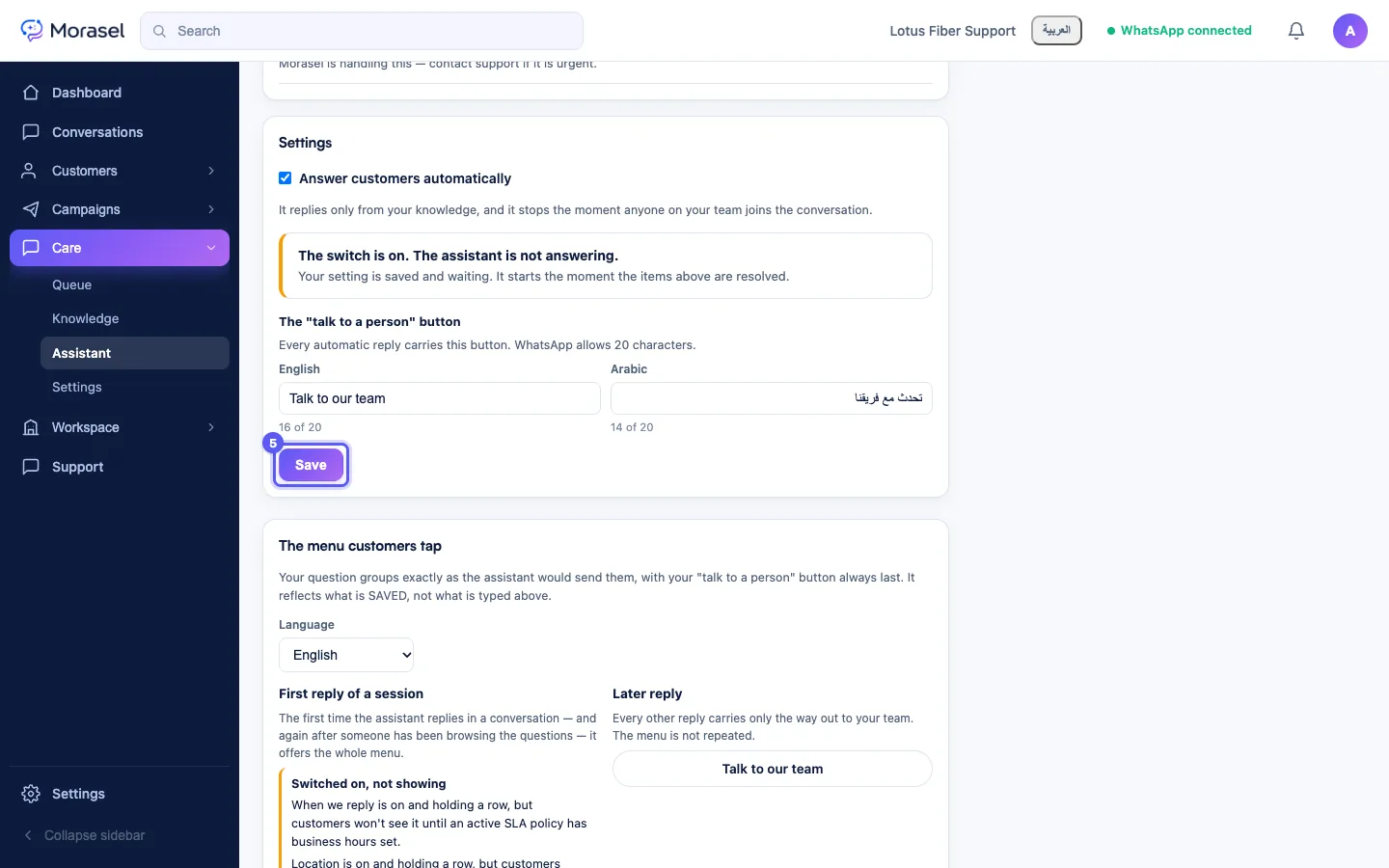
Open Care → Assistant and switch on Answer customers automatically.
Ce que vous devez voir : The switch is on, not saved yet. If anything is in the way, What's in the way lists it: AI must be on in the AI settings, and Morasel must have switched the assistant on for your workspace.
Click Save under the settings.
Ce que vous devez voir : "Saved." If something is still in the way, Morasel first asks "It won't answer customers yet": click Save anyway to record your choice; the assistant starts by itself once the items are resolved.
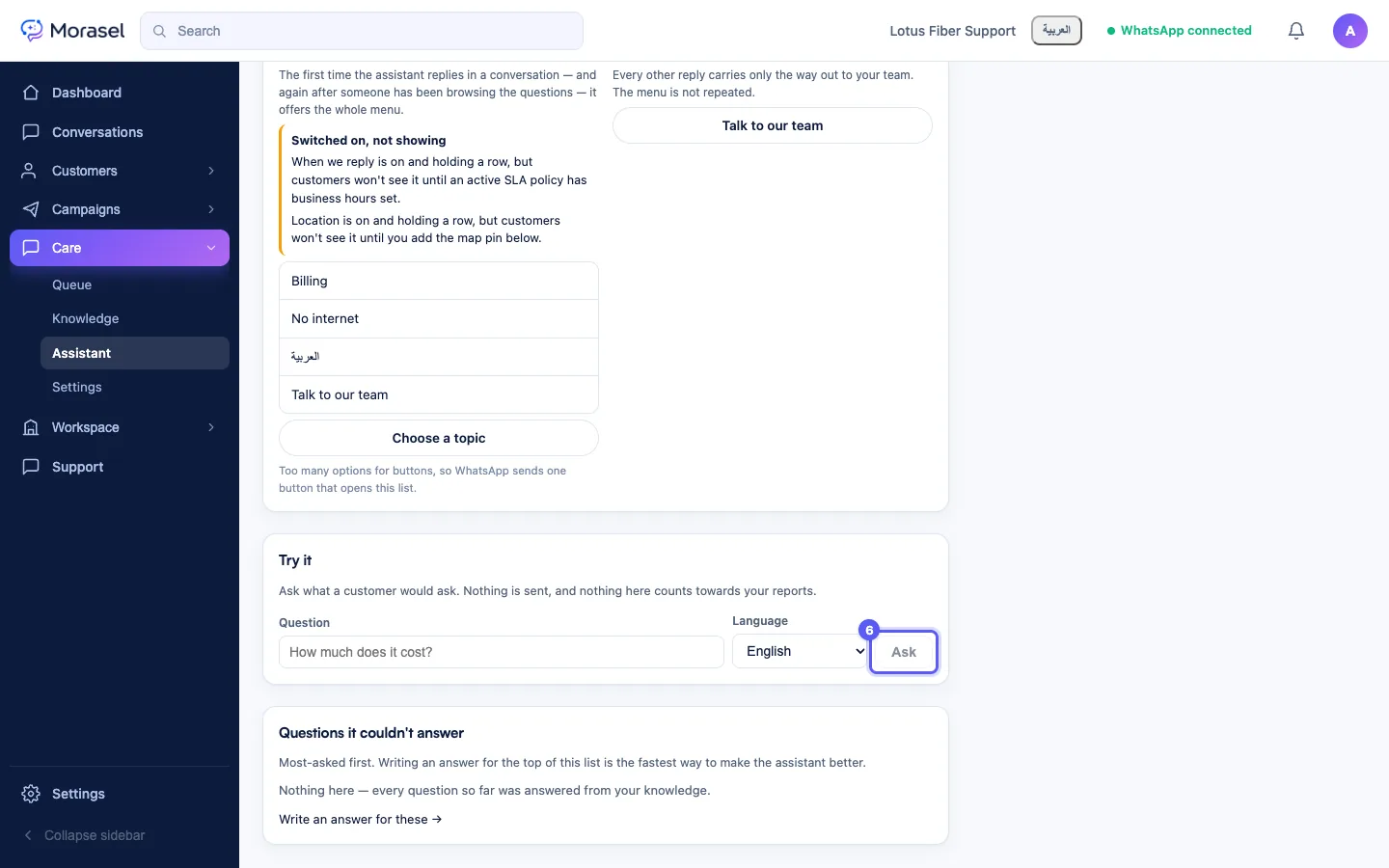
Under Try it, type a question a customer would ask and click Ask.
Ce que vous devez voir : You see the reply the assistant would send. Nothing is sent to anyone.


Si cela n’a pas fonctionné
- The assistant page says "Not switched on for your workspace yet".
- Morasel turns the assistant on workspace by workspace. Your settings are saved and take effect the moment yours is on; ask us from Support if you are waiting.
- It says AI is off for this workspace.
- Open Settings, click Manage AI settings → in the AI Campaign Copilot card, tick Enable AI assistance for this workspace and click Save AI settings. Only an owner or admin can do this.
- Save knowledge refuses to save.
- Every row needs both English and Arabic. Fill in the missing language for the rows it points to, then save again.
Questions fréquentes
What does the assistant answer from?
Only from what you add to Assistant knowledge. It never answers from anything else it might know.
What happens when it can't answer?
It hands the conversation to your team, and the question appears under Questions it couldn't answer so you can add it to your knowledge.
Can customers always reach a person?
Yes. Every automatic reply carries a "talk to a person" button, and the assistant stops the moment anyone on your team joins the conversation.
What else should I set up in the first week?
Connect your WhatsApp Business number on WhatsApp setup and invite your support team from Team & Access.
Articles associés
Dernière mise à jour · First version